

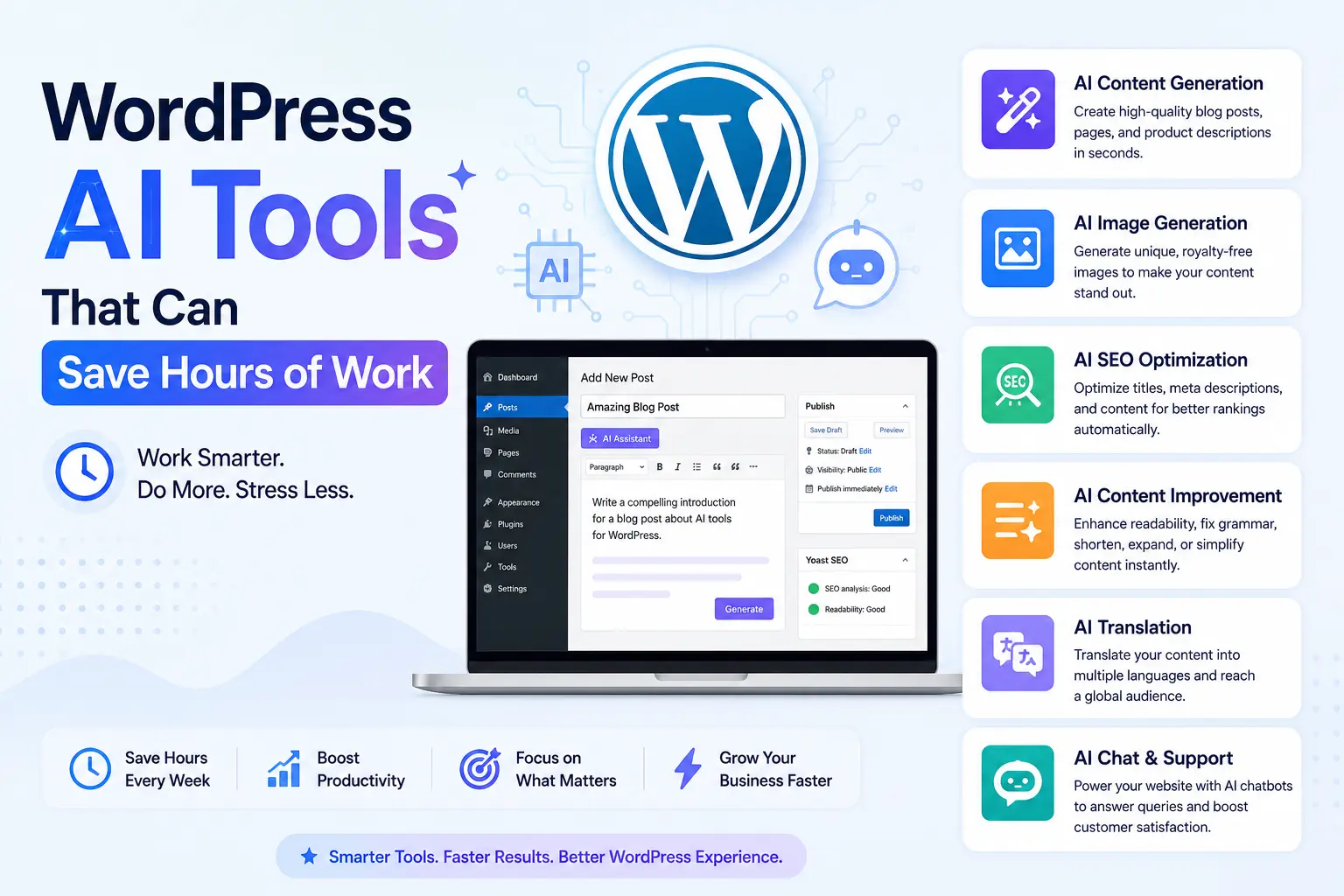
Managing a self-hosted website demands juggling multiple demanding roles, from content creation to complex technical optimization. Artificial intelligence has evolved past basic chat text generators into specialized ecosystem integrations designed to handle repetitive, time-consuming tasks. By embedding smart automation into your dashboard, you can streamline your daily operations without sacrificing user experience or editorial quality. Leveraging these native extensions allows publishers to reclaim massive amounts of development and editorial time.
Streamlining Editorial Workflows and Content Optimization
Modern artificial intelligence tools inside the website dashboard do not just write drafts; they analyze topical coverage and refine existing material. Integrating smart assistive software directly into your block editor transforms the tedious refinement process into a fast, automated routine:
-
Automated Alt Text Generation: Smart computer-vision extensions scan newly uploaded media libraries to write accurate, descriptive image accessibility descriptions instantly.
-
Contextual Internal Linking: Intelligent algorithms scan your entire database of published posts to suggest relevant anchor text links, improving site architecture within seconds.
-
Semantic Schema Mapping: Advanced plugins automatically generate precise structured data markup by reading paragraph intent, helping search engine crawlers understand your pages easily.
-
Multilingual Translation Modules: Translation tools localize comprehensive articles into multiple languages accurately while preserving formatting layouts and native regional idioms.
Enhancing User Experience Through Intelligent Site Automation
Beyond the content creation interface, machine learning algorithms fundamentally change how visitors interact with your web pages. Implementing automated backend systems reduces your manual configuration tasks while keeping visitors deeply engaged.
-
Deploy Dynamic Semantic Search Boxes: Replace the basic native search function with an algorithmic engine that understands user intent, typo corrections, and contextual synonyms to show perfect results immediately.
-
Generate Tailored Content Recommendations: Use behavioral machine learning modules that analyze scroll depth and user paths to showcase hyper-relevant related posts, keeping bounce rates exceptionally low.
-
Automate Code Optimization and Asset Compression: Implement background processors that automatically identify bloated script files, delay non-essential styles, and compress heavy code without breaking your layout.
-
Configure Instant Customer Support Agents: Set up conversational assistants that read your published support documents to answer complex client product questions accurately in real time.
Securing and Scaling Backend Database Performance
The most valuable applications of automation happen completely out of sight within the server framework. As a website grows, its database accumulates heavy revisions, transient data trails, and unoptimized metadata that permanently degrade loading speeds.
Machine learning utilities continuously monitor database query speeds, isolating heavy scripts and optimizing internal tables automatically during low-traffic hours. These tools also analyze incoming web traffic patterns to identify, isolate, and block sophisticated brute-force hacking attempts and malicious spam bots long before they stress your hosting server infrastructure.
Conclusion
Integrating smart tools into your administrative routine shifts your focus away from mundane, repetitive configurations toward high-level business growth. Whether you are automating your media asset management, upgrading your search functionality, or streamlining site security, artificial intelligence saves valuable hours every single week. Embracing these advanced system enhancements ensures your website runs fast, securely, and hyper-efficiently.
Frequently Asked Questions
Will using AI tools on my website hurt my search engine rankings?
Search engines prioritize unique, helpful information that satisfies user intent regardless of how it was generated. Automation tools focused on structural enhancements, image accessibility, and technical backend optimization improve overall site quality, which can naturally boost rankings.
Do these automation extensions slow down my page loading speeds?
Extensions that handle heavy computational processing directly on your hosting server can decrease speeds. To prevent this, choose modern plugins that process complex algorithmic tasks on external cloud servers before rendering the results onto your site.
Can I trust automated translation plugins to handle technical content?
While automated translation software has become exceptionally accurate, highly technical guides, legal documents, or medical instructions should always undergo a final human editorial review to ensure absolute context accuracy.
How do smart internal linking tools choose which pages to connect?
These tools use natural language processing to analyze the semantic meaning of your content clusters. They identify contextual relationships between separate articles, suggesting high-value hyperlinks that guide readers to relevant sub-topics.
Are native dashboard automation tools safe from a security standpoint?
Any software installed on your server carries potential risks. Only install verified applications from well-established developers, keep the underlying code updated regularly, and ensure the tools comply with global data privacy regulations.