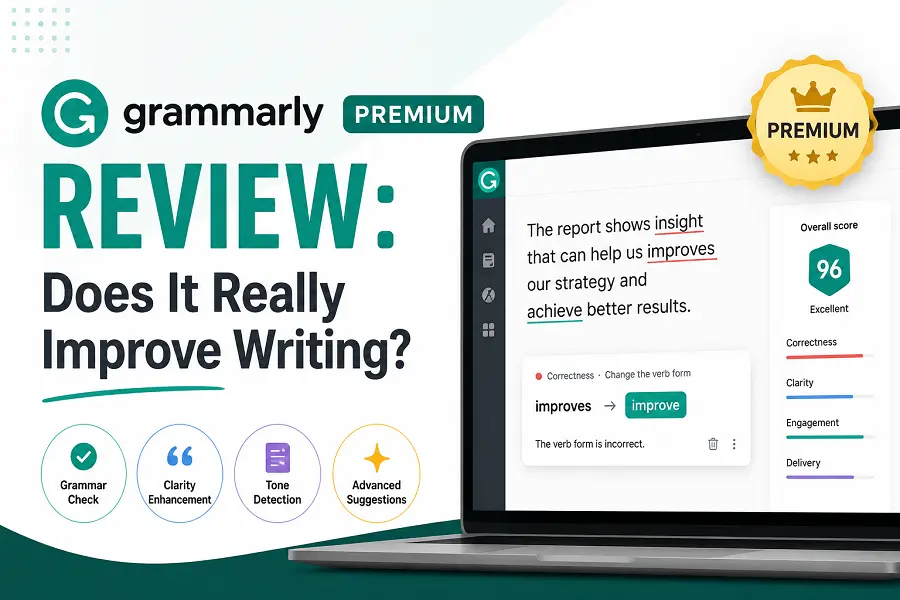
Many professionals and students use basic spell-checkers to catch obvious typos. However, standard tools often miss deep structural issues, tonal inconsistencies, and subtle phrasing flaws. Grammarly Premium claims to bridge this gap by transforming raw drafts into polished, impactful prose. This review analyzes whether the paid upgrade genuinely elevates your writing quality or simply offers an overpriced safety net.
Key Features That Distinguish Premium from Free
The free tier focuses primarily on mechanics like spelling, basic grammar, and punctuation. The Premium version introduces advanced algorithmic analysis aimed at improving readability and engagement.
-
Full-Sentence Rewrites: Automatically identifies wordy, convoluted sentences and suggests clearer, streamlined alternatives.
-
Tone Adjustments: Analyzes the emotional undertone of your text to help you sound confident, formal, or constructive depending on your audience.
-
Vocabulary Enhancement: Flags repetitive words and provides context-specific synonyms to make your language more dynamic.
-
Formality Level Controls: Allows you to set specific goals for your document, adapting suggestions for casual emails, academic papers, or business reports.
-
Plagiarism Detection: Scans your text against billions of web pages to ensure originality and prevent accidental duplication.
Real-World Impact on Writing Quality
Upgrading to the paid version alters how you interact with your own text. Instead of just fixing typos, the system actively coaches you on structural flow and clarity.
-
Eliminating Linguistic Crutches: Writers frequently rely on weak passive voice or filler words like “very” and “just.” The software highlights these patterns, pushing you to adopt a more direct, active voice.
-
Saving Editing Time: Manually proofreading a long report for structural flow can take hours. The automated suggestions speed up the developmental editing phase significantly.
-
Enhancing Professional Credibility: In business communication, nuance matters. The tone detector prevents accidental rudeness or overly passive phrasing in high-stakes emails.
-
Cross-Platform Consistency: The tool integrates directly into web browsers, desktop apps, email clients, and word processors, ensuring consistent quality across all digital workspaces.
Limitations and Potential Drawbacks
Despite its strengths, the platform is an artificial intelligence operating on rigid linguistic rules rather than genuine human intuition. It cannot replace a human editor entirely.
The software frequently struggles with creative writing, fiction, and highly informal blog posts. Because it prioritizes strict grammar and conciseness, it often tries to strip away personal style, voice, and intentional sentence fragments used for dramatic effect.
Additionally, users who blindly accept every suggestion risk flattening their prose or introducing contextual errors. The algorithm sometimes misinterprets complex technical jargon or industry-specific phrasing, leading to incorrect word replacements.
Conclusion
Grammarly Premium genuinely improves writing for individuals who already possess a baseline understanding of English mechanics but need to refine their clarity, tone, and efficiency. It serves as an excellent digital assistant for corporate professionals, marketers, and students. However, creative writers and fiction authors may find the rigid structural rules restrictive to their artistic voice.
FAQs
Can Grammarly Premium replace a human editor?
No. While it excels at catching mechanical errors and offering structural suggestions, it lacks the contextual understanding, cultural nuance, and storytelling expertise of a professional human editor.
Does the software work offline?
No, the application requires an active internet connection to access its cloud-based AI engine and generate real-time suggestions.
Is the plagiarism checker safe for sensitive documents?
Yes, the system scans text for originality without indexing your content or making it searchable to the public, preserving your intellectual property.
Can I use the Premium version for multiple languages?
The tool exclusively optimizes English writing, though it supports specific regional dialects including American, British, Canadian, Australian, and Indian English.
Does it integrate with Google Docs and Microsoft Word?
Yes, dedicated add-ons and browser extensions allow the software to function seamlessly inside major word processing platforms.