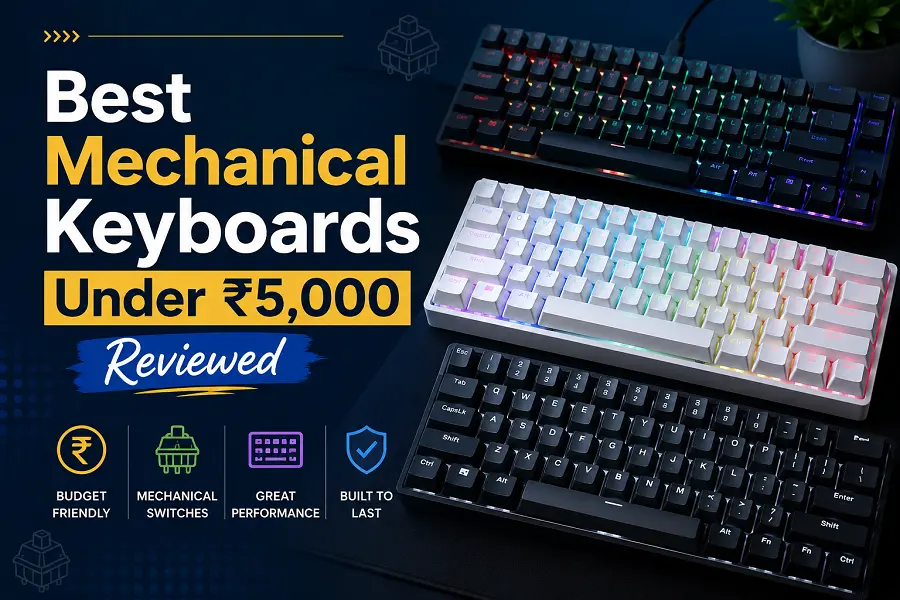
The market for mechanical keyboards has shifted dramatically, offering high-end features at accessible price points. Enthusiasts no longer need to spend a fortune to experience premium typing characteristics. Features like multi-device wireless pairing, hot-swappable switch sockets, and gasket-mounted internal structures are now fully accessible below the ₹5,000 threshold.
Investing in a budget mechanical board requires evaluating your primary use case, whether that involves competitive gaming or long typing sessions. Striking the perfect balance between layout efficiency, stock acoustic dampening, and switch performance is vital to getting the maximum value for your money.
Essential Features Defining This Price Segment
Navigating budget mechanical keyboards requires looking beyond simple aesthetic appeal. Modern options focus heavily on internal assembly methods and customizability to elevate the tactile feel.
-
Hot-Swappable PCBs: Sockets that accept both three-pin and five-pin mechanical switches without requiring any soldering tools. This design allows effortless replacement of broken components or custom tuning.
-
Gasket Mount Engineering: Sndwiching the internal switch plate between dampening silicone or foam strips. This design absorbs impact energy, producing a softer typing feel and a deeper acoustic signature.
-
Tri-Mode Connectivity: The capability to toggle smoothly between low-latency 2.4GHz wireless dongles, multi-device Bluetooth channels, and reliable USB-C wired cables.
-
Pre-Lubricated Switches: Stems and housings treated with light synthetic grease right from the assembly line. This treatment dampens scratchy mechanical friction and improves smoothness.
-
Sound-Absorbing Layers: Layers of dense case foam or internal silicone pads designed to eliminate hollow echo sounds inside plastic keyboard housings.
Top Performers and Real-World Usage Scenarios
Selecting the right peripheral depends on your desk arrangement and intended workflow. Different physical layouts alter comfort levels and dictate available mouse tracking space.
-
The Full-Featured Productivity Setup: Models utilizing a 75 percent layout with dedicated volume knobs offer optimal utility for crowded workstations. The physical separation of function keys and independent navigation modules minimizes accidental keystrokes during intensive coding or document editing.
-
The High-End Esports Contender: Keyboards incorporating advanced magnetic Hall Effect switches are reshaping low-latency gaming. Adjustable actuation travel down to a fraction of a millimeter permits rapid trigger resets, offering a distinct edge in fast-paced shooter games.
-
The Minimalist Spatial Design: Ultra-compact 60 percent layouts strip away non-essential key clusters, giving your primary gaming mouse maximum horizontal tracking room. These streamlined frames pack easily into backpacks for reliable on-the-go travel setups.
-
The Sturdy Structural Benchmark: Standard Tenkeyless designs built around rigid steel or aluminum integrated top plates prioritize pure frame stability over wireless gimmicks. The lack of chassis flex guarantees reliable keystrokes during aggressive daily typing.
Assessing Trade-offs and Construction Quality
Acquiring premium features at a lower price point necessitates understanding where manufacturers cut costs. Recognizing these compromises will prevent unexpected buyers’ remorse.
Budget-focused wireless implementations occasionally suffer from reduced battery longevity when driving vibrant, per-key RGB backlighting systems continuously. Keeping high-capacity internal batteries fueled often means managing regular recharging cycles or dropping lighting brightness down.
Keycap composition also plays an important structural role. Standard double-shot ABS plastic keycaps tend to develop a shiny, greasy appearance over months of rigorous contact with finger oils. Furthermore, while factory stabilizing bars are getting progressively better, cheaper stock stabilizers might still produce slight rattling on larger keys like the spacebar and enter key, requiring manual user tuning.
Conclusion
The sub-₹5,000 mechanical keyboard space provides outstanding value without forcing major sacrifices in day-to-day performance. Gamers can comfortably track down ultra-responsive magnetic switches, while typists can enjoy smooth, pre-lubricated linear switches within cushioned gasket setups. Identifying whether your setup demands absolute wireless freedom, extensive macro layouts, or modular hot-swappable capability will guide you toward the ideal long-term hardware investment.
FAQs
What is the primary difference between linear and tactile mechanical switches?
Linear switches feature a smooth, uninterrupted downward keypress path optimized for quick, quiet gaming inputs. Tactile switches incorporate a distinct physical bump halfway through the key travel to provide noticeable structural feedback for typing confidence.
Can custom keycap sets fit on these budget boards?
Yes, as long as the keyboard utilizes standard cross-shaped MX-style stems, you can easily mount aftermarket custom keycap profiles.
Why is a removable USB-C cable considered a premium feature?
Detachable cables prevent the entire peripheral from becoming electronic waste if an internal wire snaps or frays, making replacement simple and straightforward.
Does a hot-swappable keyboard support any switch brand?
Most modern budget hot-swap sockets accept industry-standard Outemu, Gateron, Cherry, and Kailh mechanical switches, though verifying three-pin versus five-pin housing alignment is recommended.
How does a volume control knob enhance standard keyboard functionality?
Dedicated rotary knobs provide instantaneous system audio adjustment without forcing users to minimize full-screen applications or utilize awkward multi-key shortcuts.