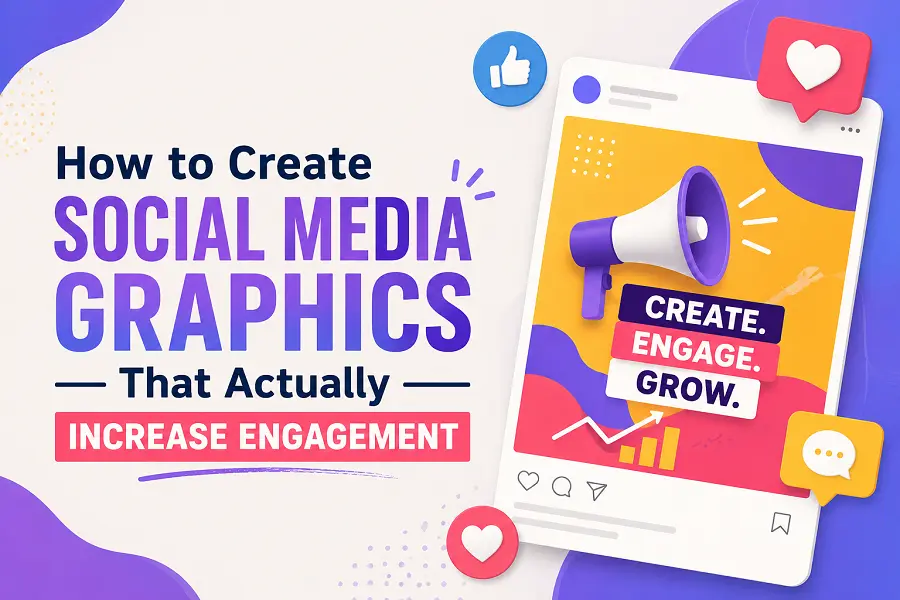
A striking visual can mean the difference between a user scrolling past your post or stopping to interact. Social media feeds are crowded, and standard text no longer guarantees attention. To drive real interaction—likes, shares, saves, and comments—your visual content must be strategically designed to capture attention instantly and deliver immediate value.
Creating high-performing graphics requires blending psychological triggers with clean design principles. This guide explores actionable techniques to transform your static images into powerful engagement drivers.
Core Design Principles for Scroll-Stopping Visuals
To capture a user’s attention within milliseconds, your graphics must feature a balanced structure. Messy, cluttered images confuse the viewer and trigger them to keep scrolling. Focusing on foundational design elements ensures your message is digested instantly.
-
Implement the Rule of Thirds: Place your focal point at the intersections of a 3×3 grid to create natural balance and visual interest.
-
Leverage High Contrast: Pair light backgrounds with bold, dark text—or vice versa—to guarantee legibility on small mobile screens.
-
Establish Visual Hierarchy: Make your primary headline the largest element, followed by secondary details in smaller fonts to guide the reader’s eye sequentially.
-
Embrace Negative Space: Leave at least 30% of your canvas empty to prevent cognitive overload and make your core message pop.
-
Choose Purposeful Typography: Limit your graphic to two distinct fonts—one bold typeface for headers and a clean, readable sans-serif for supporting text.
Step-by-Step Framework for Optimizing Engagement
Design is only half the battle; formatting your content for platform-specific behavior dictates how users interact with it. Different platforms favor specific dimensions and structures. Following a structured creation process ensures your visual assets align with audience expectations.
-
Define the Primary Goal: Determine if the graphic aims to educate, entertain, or inspire. An educational post requires clear data, while an inspirational post thrives on minimal text and powerful imagery.
-
Select Platform-Specific Dimensions: Optimize your canvas sizes before designing. Use 1:1 square aspect ratios for Instagram feeds, 9:16 vertical layouts for Stories and Reels, and 16:9 widescreen formats for LinkedIn or X.
-
Incorporate Brand Identifiers Subtly: Place your logo, signature color palette, or unique watermark in a consistent, non-intrusive corner to build long-term brand recognition.
-
Craft a Clear Call to Action (CTA): Embed a direct prompt within the image itself. Use phrases like “Save this for later” or “Swipe to learn more” to tell users exactly what action to take.
-
Test Against Dark Mode: View your finalized export against both light and dark backgrounds to ensure text elements remain perfectly visible across all user interface settings.
Tailoring Visuals to Trigger Specific Audience Actions
Different types of graphics provoke different forms of engagement. If your goal is to generate shares, focus on creating relatable memes, insightful quote cards, or step-by-step carousels. Carousels perform exceptionally well on modern platforms because they mimic a storytelling journey, encouraging users to swipe through to the end.
For high save rates, focus heavily on utility. Infographics, checklists, and quick-reference guides act as digital resources that users bookmark to reference later. By alignment of your visual format with your desired metric, you can intentionally shape audience behavior.
Conclusion
Creating social media graphics that drive engagement is less about artistic perfection and more about clarity, relevance, and format. By stripping away clutter, prioritizing mobile readability, and designing with a specific user action in mind, you can consistently turn passive scrollers into active community participants.
FAQs
What is the best color palette for increasing social media engagement?
High-contrast palettes work best. While vibrant colors like orange, yellow, and red attract initial attention, matching your brand colors with a clean neutral background ensures professional readability.
How much text should be included on a social media graphic?
Keep text minimal. Aim for under 20% text coverage on the image. Use the graphic to deliver a punchy headline, and use the caption section to provide deeper context and explanations.
Which free tools are best for beginners creating social graphics?
Tools like Canva, Adobe Express, and Figma offer user-friendly interfaces, pre-made templates, and intuitive drag-and-drop features ideal for non-designers.
Why are my graphics looking blurry when uploaded?
Blurriness occurs when platforms compress oversized images. Always design and export your files in the exact recommended pixel dimensions and use PNG format for crisp text retention.
How often should I change my graphic design templates?
Maintain template consistency for at least six months to build brand recognition. Only update your templates during a deliberate rebranding phase or if performance data shows a steady decline in engagement.