
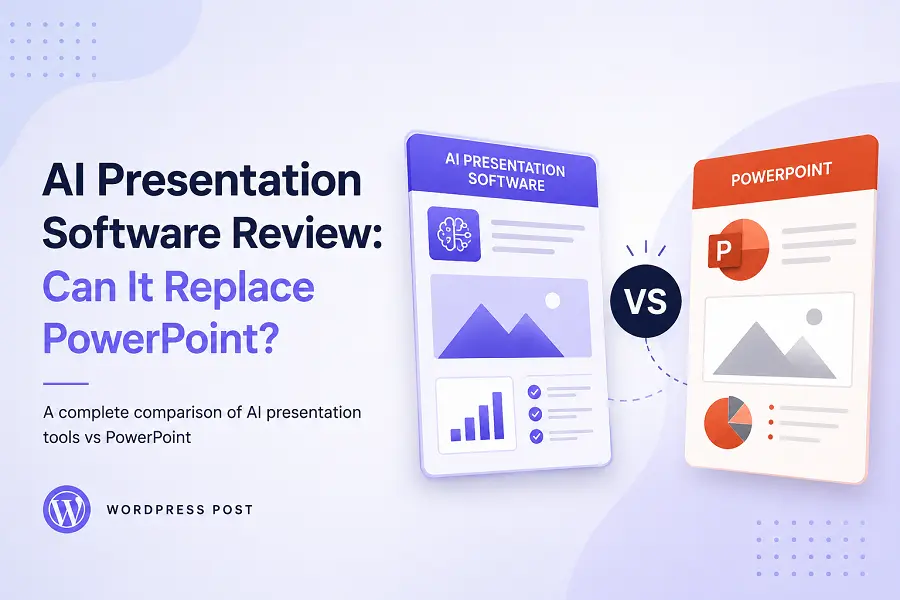
For decades, Microsoft PowerPoint has stood as the unchallenged infrastructure for corporate boardrooms and classroom lectures. However, the manual chore of aligning text boxes, hunting for thematic images, and structuring slide hierarchies frequently stalls creative momentum. A new wave of generative artificial intelligence design software promises to disrupt this landscape by transforming raw text outlines into complete, formatted decks instantly. Evaluating whether these automation engines can fully replace traditional slides requires a careful look at design flexibility and ecosystem reliability.
Architectural Core: How AI Deck Builders Shift the Paradigm
Traditional presentation design relies on fixed-aspect canvas layouts where users position every graphic element manually. Generative presentation tools introduce an entirely different structural philosophy.
-
Dynamic Markdown Engines: Instead of forcing users to drag shapes, these systems use semantic text outlines to instantly determine grid layouts, spacing, and column counts.
-
Contextual Asset Sourcing: The software analyzes slide copy concepts natively to embed relevant iconography, abstract vector graphics, or contextual photos without external image searches.
-
Responsive Web Containers: Many modern tools abandon traditional page-flipping in favor of continuous, scrollable web canvases that scale fluidly across smartphones, tablets, or large projectors.
-
On-the-Fly Reformatting: Changing a color scheme, brand typeface, or structural layout applies across fifty individual slides simultaneously, eliminating manual style copying.
Direct Comparison: Where Automation Triumphs and Legacy Endures
Determining if an AI assistant can genuinely replace standard slide software depends heavily on the complexity of your specific delivery environment.
1. Speed of Ideation and Structural Assembly
When racing against a tight pitch deadline, the creation of a first draft represents the biggest time bottleneck. AI generation engines excel at turning brief conceptual summaries into logical, multi-chapter presentations within seconds. They draft contextual body copy, organize information into logical comparison columns, and deliver a clean baseline visual aesthetic that bypasses the paralyzing “blank slide syndrome.”
2. Micro-Control and Pixel-Perfect Customization
Corporate brand guidelines often demand precise, unyielding control over visual elements. This is where legacy software like PowerPoint holds a distinct advantage. While an AI tool might generate an incredibly stunning initial design, adjusting a specific shape boundary by a millimeter, layering intricate custom animations, or formatting hyper-specific financial data charts can quickly become frustrating within an overly automated interface.
3. File Interoperability and Presenting Offline
The enterprise world operates on shared, standardized file formats. AI web platforms often require presenting directly through a browser link or exporting to a flat PDF document. If a boardroom setup relies entirely on native offline presentation files, converting an AI-generated layout back into standard presentation formats can result in broken fonts, shifted text borders, and lost transition effects.
Strategic Coexistence: Choosing the Correct Design Pipeline
Instead of viewing this shift as an all-or-nothing replacement, professional presenters maximize value by matching their tool selection to the exact requirements of their target audience.
When to Pivot Entirely to AI Slide Software
-
Building interactive, web-first product decks meant for independent, asynchronous reading via a shared URL.
-
Generating rapid internal sprint reviews or classroom updates where production speed takes precedence over exact graphic placement.
-
Creating minimalist, typography-heavy keynote presentations that rely on crisp layout changes rather than intricate chart animations.
When to Remain Within the PowerPoint Ecosystem
-
Designing complex corporate investor decks that require embedding highly sensitive, live-linked Excel spreadsheets.
-
Creating highly customized visual animations, intricate layered graphics, or precise overlapping image masks.
-
Delivering high-stakes live presentations at massive industry conventions where local offline reliability is mandatory.
Conclusion
AI presentation software will not completely erase PowerPoint from the corporate landscape; rather, it redefines the boundaries of functional design. For fast, text-driven structural layouts, modern responsive web decks, and rapid visual brainstorming, generative AI tools easily outpace legacy systems. However, PowerPoint remains irreplaceable for projects demanding precise pixel adjustments, extensive spreadsheet integration, and universal offline file compatibility. True presentation mastery lies in using automated engines for rapid conceptual layout and relying on legacy systems for intricate, high-stakes refinement.
Frequently Asked Questions
Can AI presentation tools export clean files into native PowerPoint?
Most advanced systems offer file conversion features. However, because automated platforms often use non-standard web container layouts, exporting them back into traditional slide formats can sometimes trigger minor layout shifts or font changes.
Is my private company data safe when using web-based AI tools?
Enterprise-tier AI platforms generally offer strict data privacy boundaries that isolate your workspace. However, free consumer versions may utilize input text to train public models, making it essential to audit individual platform security terms.
How do these automated platforms handle data visualization and charts?
Current tools excel at building clean, basic charts from small data inputs. For multi-layered financial datasets that require live data refreshing, linking directly within native desktop spreadsheet ecosystems remains the gold standard.
Can I train an AI presentation maker to use my exact brand kit?
Premium software versions allow users to upload custom color palettes, official brand typography, and corporate logos. The generative engine then locks these constraints into every newly generated deck asset automatically.
Do these applications require complex prompt engineering?
Not at all. Most systems are designed around simple conversational inputs or clear text outlines. Providing a well-structured document or a comprehensive bulleted list will yield far better results than a single sentence.