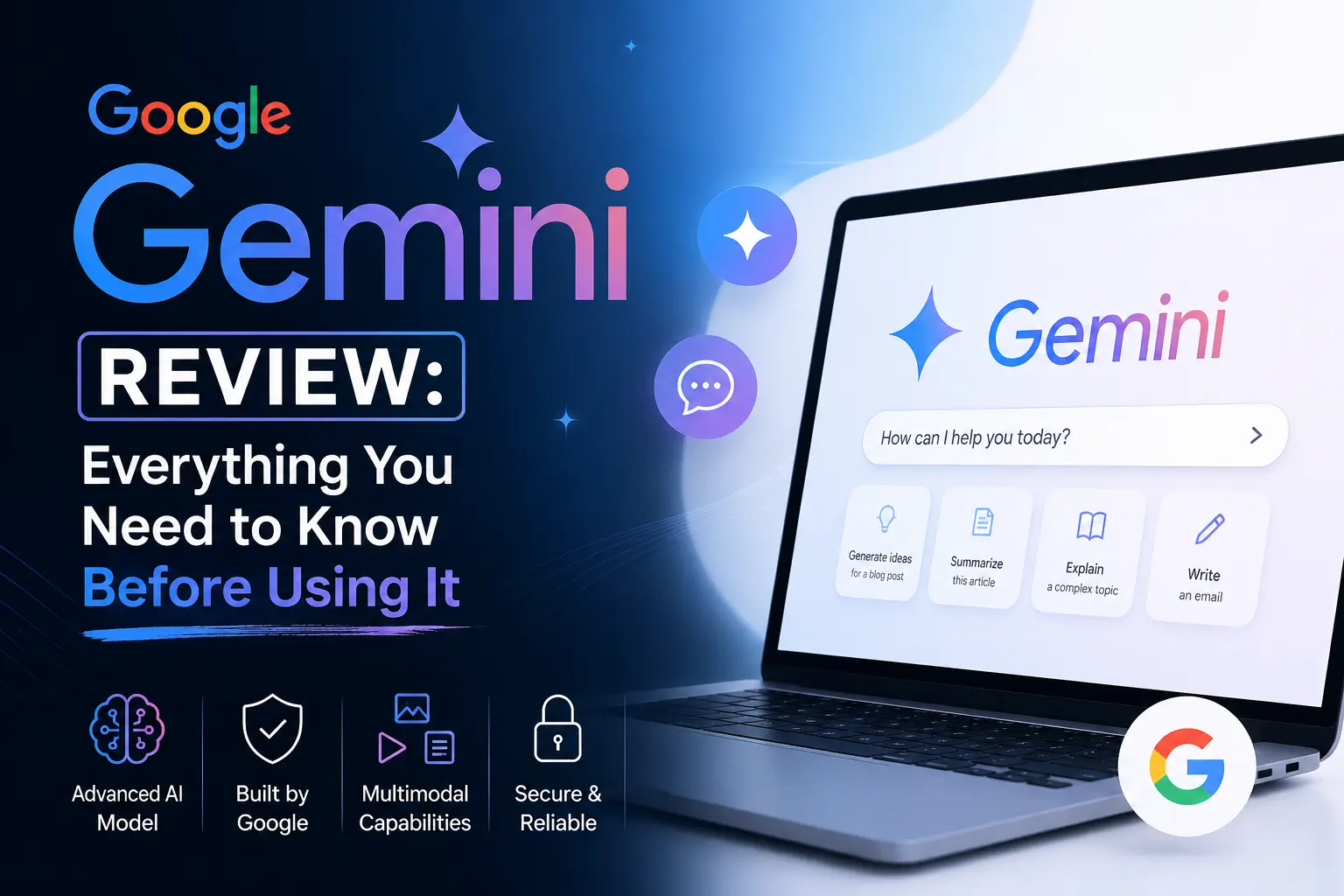
The artificial intelligence ecosystem has entered an era defined by agentic execution, deeply integrated workspaces, and multimodal capabilities. Google’s native AI ecosystem, Gemini, has evolved from a basic text chatbot into a sprawling, interconnected automation platform. Powered by its advanced architecture, including the latest Gemini 3.5 Flash and Pro processing engines, this assistant aims to change how we organize data across personal and enterprise workflows.
Unlike isolated AI platforms that require you to constantly copy and paste data, this tool operates directly within the software millions of people already use every day. This independent review breaks down Gemini’s capabilities, layout, and structural trade-offs to help you decide if it fits your digital routine.
Architectural Features and Capabilities
Gemini’s core strength lies in its ground-up multimodal build, allowing the system to process disparate data types simultaneously without relying on secondary conversion plug-ins.
-
Massive 1-Million Token Context Window: Tiers built on the Pro engine can process up to 1,500 pages of text or over 30,000 lines of code, enabling massive data ingestion in a single prompt.
-
Deep Research Agents: Executes automated live web discovery protocols, cross-referencing hundreds of online sources in real time to assemble comprehensive reports.
-
Workspace Autopilot Integration: Operates directly inside Gmail, Google Docs, Sheets, and Slides to draft text, summarize complex threads, and build data formulas natively.
-
Gemini Live Voice Engine: Provides conversational, real-time voice interactions featuring natural audio pacing and responsive interruption handling.
-
Google Flow Creative Studio: Incorporates advanced multimodal generation tools like Omni Flash and Lyria, allowing users to build synchronized cinematic video clips and music tracks.
Practical Strengths in Daily Workflows
The seamless connection between cloud storage, search index data, and underlying machine learning models provides concrete advantages for professional environments.
-
Contextual Personal Intelligence: Users can request complex file tracking across their entire Google Drive and Gmail history, such as locating a specific client agreement from months prior and extracting key deliverables instantly.
-
Rapid Analytical Coding Pipelines: Through the integrated canvas environment, developers can upload entire script repositories to debug code, build data visualizations, or execute live calculations in a sandboxed space.
-
Autonomous Information Gathering: The Deep Research feature minimizes manual search engine browsing by automatically compiling market competitive briefs with verified source grounding.
-
Effortless Material Conversion: The tightly coupled ecosystem allows users to extract notes from an audio transcript or PDF, transform them into structured text in Docs, and export them into a presentable Slide format within minutes.
Structural Constraints and Practical Disadvantages
Despite immense technological progression, deploying an expansive AI assistant across consumer accounts introduces distinct software limitations and operational friction points.
A primary hurdle stems from the complex subscription tier hierarchy. Many of Gemini’s most powerful capabilities, such as advanced agentic research modes and high-capacity data context limits, are locked behind high-end premium plans. These features are unavailable on standard free configurations, which rely on lighter Flash models.
Additionally, the assistant can struggle with fine-grained creative writing tasks. Because it is heavily optimized for factual accuracy and search integration, its textual outputs often carry a highly distinct, structured tone that can feel clinical without extensive manual prompt tuning. Users must also carefully manage application extensions, as granting permission to scan personal mailboxes and documents can occasionally surface disorganized results if your underlying cloud storage is messy or full of outdated file duplicates.
Conclusion
Google Gemini stands out as a highly practical, speed-optimized AI tool for individuals heavily embedded in the Google Workspace infrastructure. Its unmatched ability to navigate large documents, execute sandboxed code, and pull context seamlessly from your inbox makes it an exceptional productivity booster. While creative writers might find its prose standard, professionals, students, and developers will find massive value in its autonomous research and data management prowess.
FAQs
What is the difference between Gemini Free and the premium plans?
The free version provides standard access to rapid Flash engines for daily administrative text answers. Premium plans unlock deep research agents, extensive context windows for 1,500-page document uploads, and native Workspace integration.
How does Gemini ensure the accuracy of its data summaries?
The engine utilizes a validation method called Grounding, which cross-checks generated text against live Google Search results and active cloud files to reduce standard AI hallucinations.
Can Gemini generate video and music content?
Yes, paid accounts gain access to the integrated Google Flow studio, which leverages specialized media models to compose background audio tracks and brief video clips.
Is my private cloud data used to train public AI models?
Standard workspace enterprise configurations and explicitly managed account privacy settings allow users to disable activity logging, ensuring that personal files and prompts remain completely private.
Does the desktop app function on Apple hardware?
Yes, the ecosystem provides a native desktop application built specifically for macOS, enabling rapid keyboard shortcut access to the assistant right from your desktop workspace.