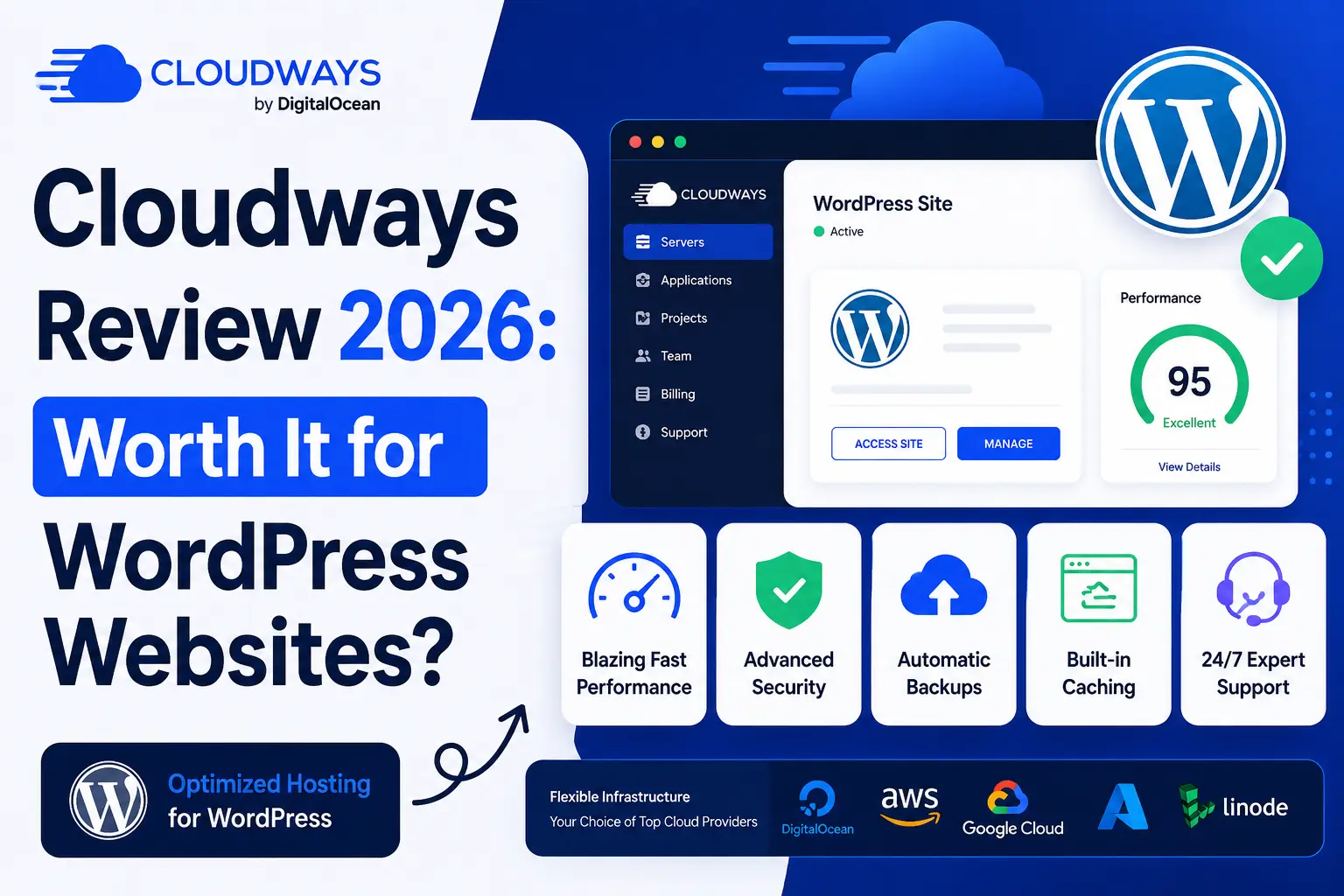
Selecting the ideal hosting environment for a WordPress website requires looking past generic promotional marketing. As the core software introduces resource-intensive features like native AI engines and advanced visual data views, traditional shared hosting environments often struggle to maintain baseline page speeds. Consequently, many site owners are migrating toward decoupled, cloud-based hosting frameworks.
Cloudways addresses this shift by inserting a simplified, managed control layer on top of raw cloud infrastructure providers like DigitalOcean, Amazon Web Services (AWS), and Google Cloud. This evaluation bypasses marketing promises to analyze how its modern feature updates, updated system stacks, and flexible billing systems perform under demanding real-world workloads.
Technical Architecture and the High-Performance “Lightning Stack”
Managing unmanaged cloud instances typically demands deep command-line knowledge. The core value of this platform lies in its ability to deploy optimized software stacks automatically, eliminating the need for complex terminal management.
-
The Upgraded Lightning Stack: Moving beyond legacy configurations, the default deployment features a high-performance kernel environment that slashes HTTP request latency by over 60%, delivering sub-second Time-to-First-Byte (TTFB) metrics.
-
Multi-Tiered Object Caching: Native integration of advanced Redis protocols and specialized full-page Varnish systems significantly cuts database strain, allowing complex WooCommerce inventory lookups to execute cleanly.
-
Flexible PHP Upgrades: Total compatibility with modern PHP environments enables administrators to toggle between versions through a simple dropdown menu, optimizing execution speeds for custom application code.
-
Decoupled Multi-Cloud Choices: Users choose their precise foundational hardware provider, giving them absolute control over physical server distribution nodes across North America, Europe, and Asia.
-
Isolated Storage Limits: Every server deployment runs within an isolated software container, guaranteeing that a sudden traffic spike or resource bottleneck on an unrelated external site never slows down your active production traffic.
Dashboard Usability and Operational Workflow Adjustments
Managing daily operations introduces custom administrative dashboards designed to handle multiple digital assets simultaneously. Recent software updates focus heavily on tightening operational security while modernizing standard system maintenance workflows.
-
Navigating the Re-Engineered Billing Systems: Recent changes consolidate real-time billing metrics, account funds, and transaction receipts into a unified management panel that delivers automated email alerts before monthly quotas are crossed.
-
Deploying Cross-Series Vertical Scaling: Modifying physical server requirements no longer demands complex site cloning or manual IP routing changes. Upgrading from regular processing chips to high-compute, CPU-optimized hardware takes less than two minutes.
-
Executing One-Click Isolated Staging: Developers can safely spin up identical sandboxed copies of a live production site to run plugin compatibility audits and test major core updates before deploying adjustments live.
-
Automating Multi-Layer Security Protocols: Automated platform firewalls, advanced bot filtering controls, and country-level IP blocking tools work natively alongside free auto-renewing Let’s Encrypt security certificates.
-
Utilizing Localized Backup Extractions: Beyond automated daily backups stored off-site on internal storage networks, users can trigger and download physical zip archives of individual databases and directories.
Evaluating Financial Lifecycle Costs and Platform Limitations
The platform utilizes a post-paid billing model where users pay strictly for the precise number of server hours consumed during the previous month. This pricing methodology prevents the restrictive visitor caps and arbitrary traffic penalties commonly enforced by traditional managed WordPress hosts. You can launch an unlimited number of staging sites or micro-websites on a single server, provided the selected hardware retains sufficient RAM and solid-state drive space.
However, this specialized architecture requires acknowledging several intentional omissions. The platform does not provide domain registration systems or native business email inbox hosting. If your operations require professional custom email addresses, you must purchase external mailbox solutions separately and point your domain domain-name records accordingly. Additionally, because the interface abstracts server administration, users looking for deep, root-level operating system modifications will find themselves bounded by the structured graphical panel limits.
Conclusion
Cloudways represents an exceptionally strong hosting solution for growing businesses, digital marketing agencies, and WooCommerce storefronts that require scalable, top-tier cloud speed without the headache of manual server administration. For basic hobby blogs or simple single-page portfolios with negligible traffic, the baseline cost of an isolated cloud instance may prove less economical than a traditional entry-level shared host.
FAQs
Can I migrate an existing WordPress site to Cloudways without technical assistance?
Yes. The platform provides a dedicated migration plugin that automates the entire process, securely moving all database records, theme assets, and media directories without incurring any site downtime.
How does the pay-as-you-go billing model function in practice?
Instead of forcing upfront annual commitments, your actual server resource usage is monitored hourly. An invoice reflecting the precise hours your instances remained active is generated at the start of each month.
Do I get a traditional cPanel dashboard to manage my files?
No. The platform utilizes a custom-designed, graphical control panel called Site Manager. This specialized dashboard replaces traditional cPanel layouts with a simpler, cleaner interface optimized specifically for application deployments.
Is it possible to host multiple unique websites on a single server plan?
Yes. Unlike many competing managed hosts that charge per WordPress installation, there are no software artificial limits. You can deploy as many sites as your physical RAM and storage allocations allow.
What happens if my website is targeted by a malicious brute-force attack?
The server’s built-in intelligent security suite detects irregular traffic anomalies instantly, using automated web application firewalls and anti-bot protection layers to block malicious IPs before they hit your application.
For a complete visual walkthrough of the administrative dashboard, setting up your cloud server, and running real-world performance benchmarks on this hosting platform, check out this comprehensive Cloudways Performance and Setup Walkthrough. This detailed video guide breaks down the core server configuration steps, tests vertical scaling speeds, and evaluates the performance differences you can expect when migrating away from standard shared environments.