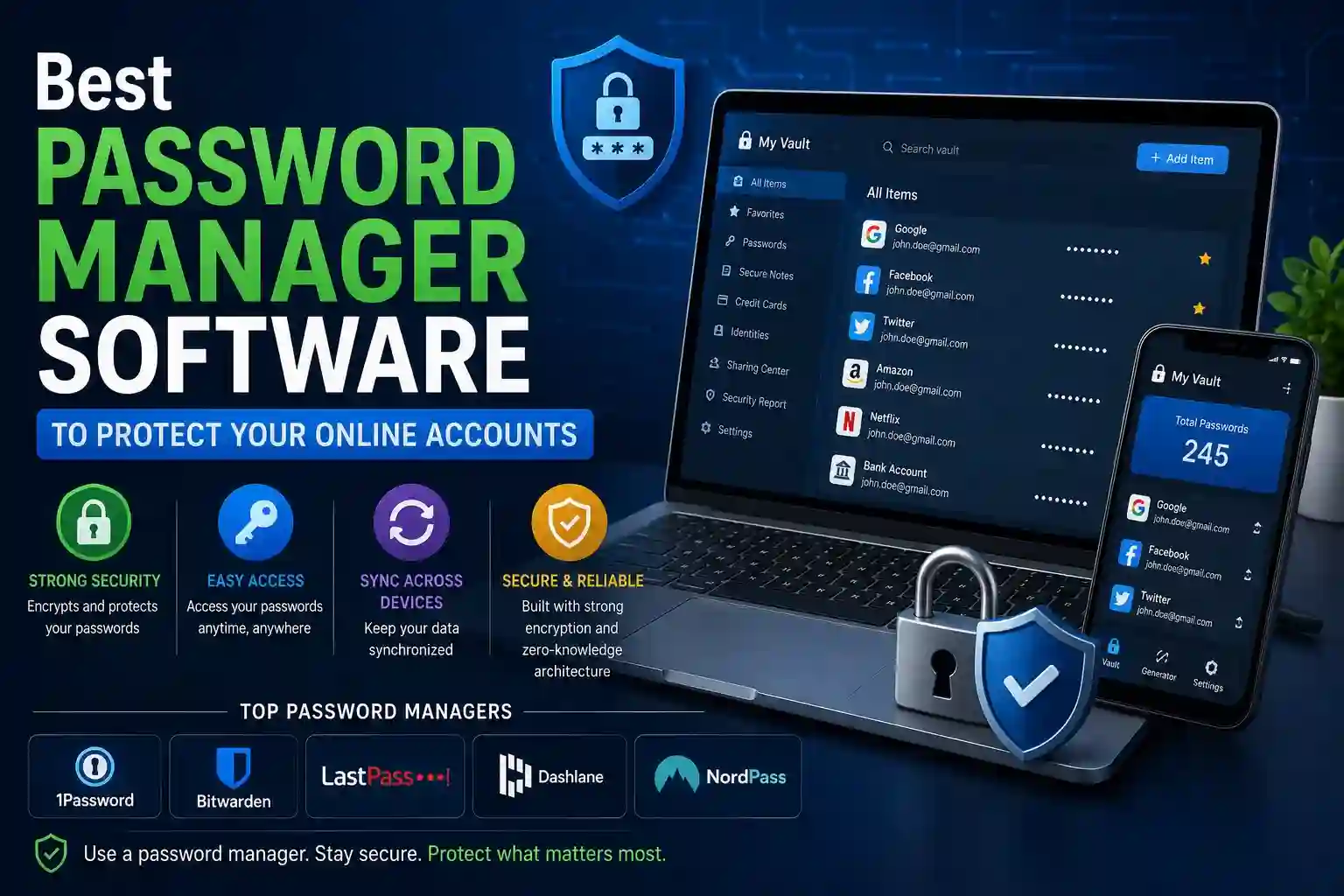
The average person manages dozens of online accounts. Remembering unique, complex passwords for each one is genuinely impossible without help — which is why most people reuse passwords, and why most account takeovers succeed. A single breach at one service exposes every account sharing that credential.
Password manager software solves this at the root. It generates, stores, and autofills strong unique passwords for every account, secured behind a single master password only you know. Choosing the right one requires understanding what separates genuinely secure software from tools that create a false sense of protection.
What Separates a Secure Password Manager From an Inadequate One
Not all password managers are built with the same security architecture. Some store vaults server-side with access that the company itself can theoretically obtain. Others encrypt locally before anything leaves your device, meaning even a breach of the provider’s servers exposes nothing usable.
Features that define genuinely secure password manager software:
- Zero-knowledge architecture ensures the provider never has access to your decrypted vault — encryption and decryption happen exclusively on your device using your master password, which is never transmitted or stored
- AES-256 encryption as the vault encryption standard, currently the strongest symmetric encryption in widespread use and the baseline for any password manager worth trusting with sensitive credentials
- End-to-end encrypted sync across devices transmits only encrypted data between your devices and the provider’s servers — interception at any point in that transmission yields nothing decryptable
- PBKDF2, Argon2, or bcrypt key derivation transforms your master password into the encryption key using a deliberately slow hashing process that makes brute-force attacks computationally impractical even with stolen vault data
- Open-source code or independent security audits provide verifiable evidence that the security claims made by the provider match the actual implementation — closed-source software with no audit history requires trusting marketing over verification
- Breach monitoring integration alerts you when credentials stored in your vault appear in known data breach databases, enabling proactive password changes before attackers exploit the exposure
- Emergency access controls allow a trusted contact to request vault access under defined conditions — ensuring your accounts aren’t permanently inaccessible if something happens to you
- Passkey storage support extends the manager’s utility as authentication evolves away from passwords toward cryptographic passkeys, future-proofing your investment in a single credential management tool
Any password manager lacking zero-knowledge architecture or independent security verification should be disqualified regardless of price or interface quality.
Key Criteria for Choosing the Right Password Manager for Your Needs
Different users have meaningfully different requirements. Individual users, families, and small businesses each benefit from different feature prioritization, and the right choice reflects the actual use case rather than review site rankings alone.
- Individual users should prioritize seamless browser integration across all used browsers, mobile autofill that works reliably on both iOS and Android, and a free tier or affordable personal plan that doesn’t impose vault item limits
- Family plans need individual encrypted vaults for each member combined with selective sharing capability — shared logins for streaming services, utilities, or joint accounts — without any family member having access to another’s private credentials
- Small business users require centralized administration controls, role-based vault access that limits employee visibility to only relevant credentials, activity audit logs for compliance, and offboarding workflows that revoke access immediately when employees leave
- High-security users should evaluate self-hosted options that keep vault data entirely under personal control with no cloud provider dependency, accepting the tradeoff of manual sync management for maximum control over data location
- Cross-platform users operating across Windows, macOS, iOS, Android, and Linux need managers with native apps or fully functional web interfaces across every platform rather than primary support for one ecosystem with degraded experience on others
- Budget-conscious users should note that several reputable password managers offer genuinely secure free tiers sufficient for personal use, making cost a secondary consideration once the core security criteria are satisfied
- Business users handling regulated data should verify whether the provider offers compliance documentation relevant to their industry — SOC 2 Type II reports, GDPR data processing agreements, and HIPAA business associate agreements matter for organizations with formal compliance obligations
Using a Password Manager Effectively After Installation
Installing a password manager delivers its full benefit only when it’s actually used for every account — not selectively applied to accounts considered important while weaker passwords persist elsewhere.
Migration is the most time-consuming part of getting started. The practical approach is importing any passwords already saved in your browser, then updating each one to a manager-generated password the next time you log in rather than attempting to change every password in a single sitting. Within a few weeks of normal account use, the transition completes naturally.
The master password deserves more attention than most users give it. It’s the single credential protecting everything else — it should be long, memorable, and used nowhere else. A passphrase of four to five unrelated words produces a master password that’s both strong and memorable without relying on character substitutions that attackers account for in brute-force attempts.
Two-factor authentication on the password manager account itself adds a critical secondary layer. If an attacker obtains your master password through phishing or keylogging, 2FA on the manager account prevents them from accessing the vault. Hardware security keys provide the strongest 2FA option for this specific account given its importance.
Regular vault maintenance — removing accounts for services no longer used, updating passwords flagged as weak or reused by the manager’s security audit feature, and reviewing which devices have vault access — keeps the security posture current as accounts and devices accumulate over time.
Conclusion
A password manager isn’t a convenience feature — it’s the foundational security tool that makes unique, strong credentials practical across every account you own. The software you choose should be verifiably secure through zero-knowledge architecture and independent auditing, not just conveniently designed. Once in place and used consistently, a password manager eliminates the credential reuse vulnerability responsible for the majority of individual account compromises — a meaningful, lasting improvement to personal security that requires minimal ongoing effort after the initial setup.
Frequently Asked Questions
Q1: What happens to my passwords if the password manager company gets hacked?
With a properly implemented zero-knowledge architecture, a breach of the provider’s servers exposes only encrypted vault data. Without your master password, that data is computationally infeasible to decrypt. The risk is real — several password managers have experienced server breaches — but providers with genuine zero-knowledge encryption ensure that stolen data remains useless to attackers without the master password that never leaves your device.
Q2: Is it safe to store banking and financial passwords in a password manager?
Yes — a reputable password manager with zero-knowledge encryption and AES-256 is significantly safer than the alternatives people actually use, including browser-saved passwords, reused credentials, or written lists. The concentrated nature of a vault is a risk that zero-knowledge architecture and strong master password practices address more effectively than the dispersed vulnerabilities of alternative approaches.
Q3: Can I access my passwords if I forget my master password?
Most zero-knowledge password managers cannot recover your vault if you forget the master password — that’s the security tradeoff of an architecture where the provider genuinely cannot access your data. Reputable managers provide recovery options including emergency access through a trusted contact, account recovery keys generated at setup, or biometric fallback on enrolled devices. Configuring these recovery options immediately after installation is essential.
Q4: Are browser built-in password managers as secure as dedicated software?
Browser password managers have improved considerably but generally lack zero-knowledge architecture, independent security audits, cross-browser compatibility, advanced sharing controls, and breach monitoring features that dedicated managers provide. They’re significantly better than no password manager, but dedicated software offers meaningfully stronger security guarantees and broader functionality for users who take credential security seriously.
Q5: How many passwords should I store in a password manager?
Every account should be in the manager — not just the ones you consider important. Attackers exploit low-priority accounts to recover security questions, access linked services, or gain footholds for account recovery attacks on accounts you do consider important. The security benefit of a password manager scales directly with how comprehensively it’s used — partial adoption leaves the gaps that credential attacks exploit most effectively.