Hackers no longer rely primarily on technical exploits. The most damaging attacks targeting individuals in 2026 combine AI-generated deception, stolen credential databases, and behavioral manipulation — methods that bypass technical defenses by targeting human judgment instead. Your bank password being strong doesn’t protect you if a convincing voice clone of your bank’s fraud department convinces you to read it aloud.
Protecting personal data now requires layered defenses addressing both technical vulnerabilities and human ones. The practical steps below cover both.
Essential Security Habits That Block the Most Common Attacks
The majority of successful attacks against individuals exploit a small set of recurring weaknesses. Addressing these systematically closes the doors that attackers most frequently walk through.
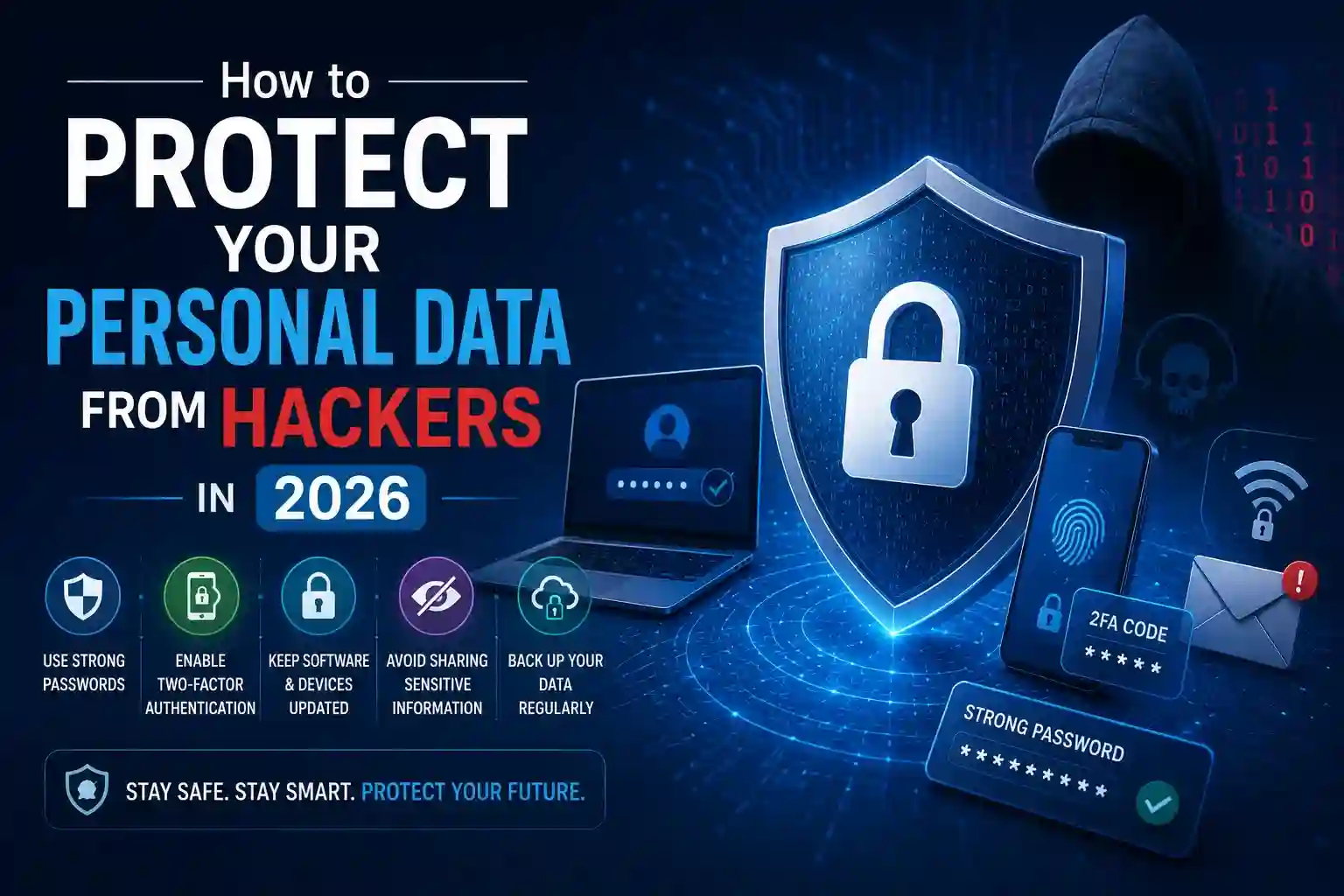
Security fundamentals that remain non-negotiable in 2026:
- Unique passwords for every account managed through a reputable password manager — reused passwords mean a single breach exposes every account sharing that credential, which is how most account takeovers actually happen
- Hardware or app-based two-factor authentication on email, banking, and social media accounts — SMS-based codes remain vulnerable to SIM-swapping attacks where criminals port your phone number to a device they control
- Passkeys where available replace passwords entirely with cryptographic authentication tied to your device, eliminating phishing as a viable attack vector for supported accounts
- Regular breach monitoring through services that alert you when your email address appears in newly leaked credential databases, enabling password changes before attackers exploit the exposure
- Automatic software updates enabled across all devices — the majority of successful malware infections exploit vulnerabilities that patches already address, making delayed updates a significant and avoidable risk
- Privacy-focused DNS settings that block known malicious domains before your browser even connects, adding a filtering layer beneath the application level
- Separate email addresses for financial accounts, general signups, and personal contacts — compartmentalization limits the blast radius when any single address is compromised or heavily targeted
None of these measures require technical expertise. Each is configurable within an hour and collectively blocks the vast majority of attacks that successfully compromise personal accounts.
Defending Against AI-Powered Threats Specific to 2026
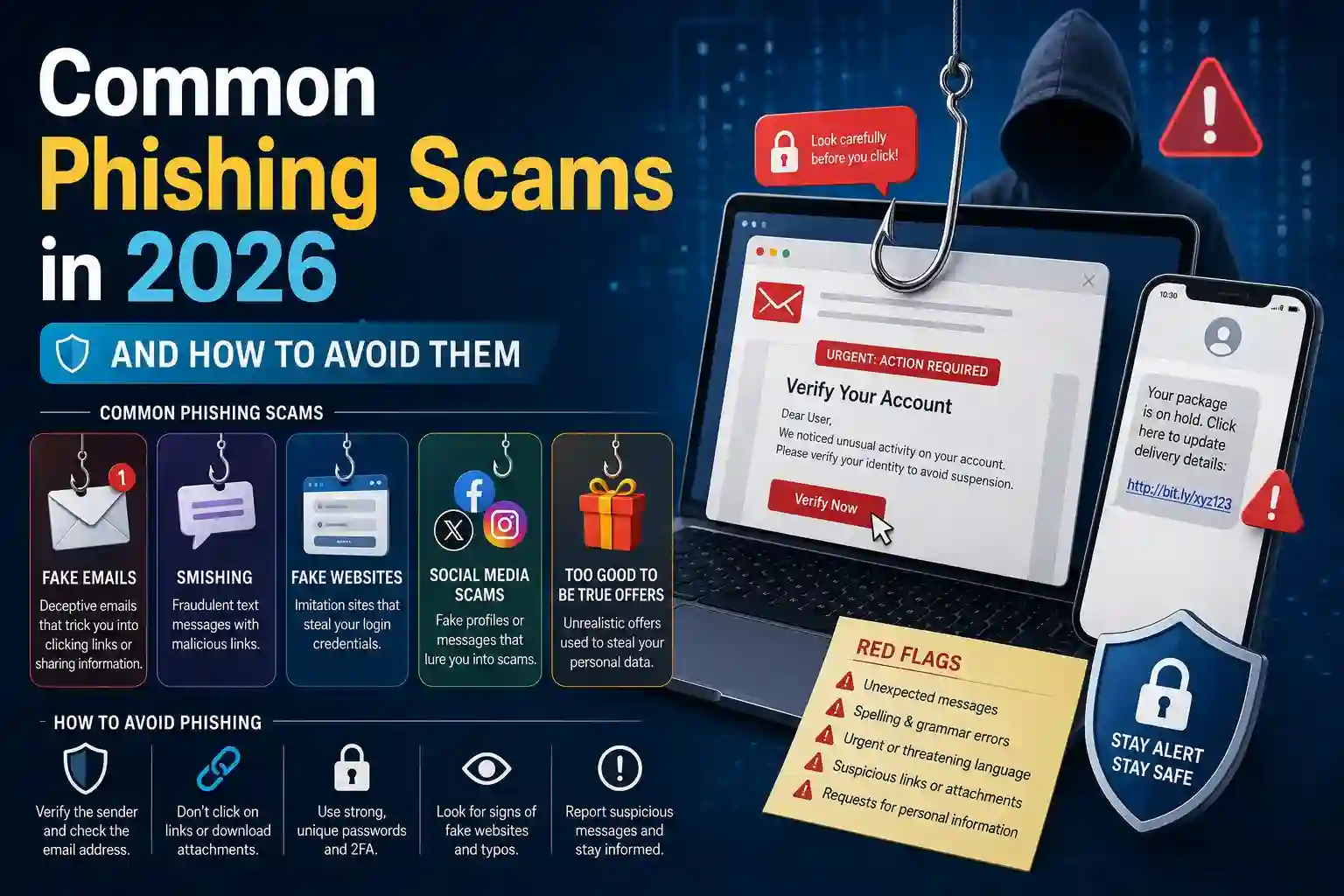
The threat landscape has shifted considerably. AI tools accessible to ordinary criminals now produce phishing emails indistinguishable from legitimate correspondence, voice clones that impersonate family members requesting emergency transfers, and deepfake video calls that appear to show trusted contacts in real time.
Defending against these requires new verification habits, not just technical tools.
- Establish verbal safe words with close family members and trusted contacts — a predetermined phrase that confirms real identity during unexpected requests for money, information, or urgent action over any digital channel.
- Verify unexpected communications independently by hanging up and calling back on a number you personally look up, rather than redial or use a number provided in the suspicious message itself.
- Treat urgency as a red flag rather than a reason to act quickly — legitimate institutions do not pressure individuals into immediate decisions about account access, transfers, or personal information.
- Audit app permissions quarterly, revoking microphone, camera, location, and contact access from applications that have no functional need for them — permission creep accumulates silently and expands the attack surface available to compromised apps.
- Use encrypted messaging applications for sensitive personal and financial conversations — standard SMS and many popular messaging platforms lack end-to-end encryption, leaving message content accessible through network interception or platform-level breaches.
- Enable login notifications on all accounts that support them so unauthorized access attempts generate immediate alerts, compressing the window between intrusion and response.
- Freeze your credit with all major bureaus if you’re not actively applying for credit — a frozen credit file prevents new accounts from being opened in your name even if criminals possess your full identity information.
Protecting Data Across Devices, Networks, and Cloud Storage
Physical and network security close vulnerabilities that software measures alone cannot address.
Public Wi-Fi remains a consistent attack vector. Networks in airports, cafes, and hotels are frequently monitored or spoofed by attackers running rogue hotspots with legitimate-sounding names. A VPN from a reputable provider encrypts traffic between your device and its destination, rendering intercepted data unreadable regardless of the network you’re on.
Device encryption protects data stored locally if a phone or laptop is lost or stolen. Both major mobile operating systems enable full-device encryption by default; laptops require manual activation in most cases. Verifying this setting takes under a minute and makes stolen hardware useless to whoever finds it.
Cloud storage security depends heavily on access controls most users never adjust. Enabling two-factor authentication on cloud accounts, auditing which third-party applications have access to your storage, and removing unused connected apps prevents the cloud from becoming the weakest link in an otherwise secure setup.
Reviewing privacy settings on social media platforms annually matters more than it once did. Profile information — employer, location, family relationships, recent travel — provides raw material for social engineering attacks targeting both you and the people you’re connected to.
Conclusion
Personal data protection in 2026 demands attention on two fronts simultaneously: technical defenses that block automated attacks and behavioral awareness that resists human-targeted manipulation. Neither alone is sufficient. A technically hardened account can still be compromised by someone who speaks convincingly. Strong situational awareness doesn’t help if stolen credentials from a breach you’re unaware of are already being tested against your accounts. The layered approach — unique credentials, strong authentication, breach monitoring, verified communication habits, and network-level protection — produces a security posture that makes you a significantly harder target than the vast majority of individuals online.
Frequently Asked Questions
Q1: What is the single most impactful thing I can do right now to protect my personal data?
Enable two-factor authentication on your email account using an authenticator app rather than SMS. Email is the recovery mechanism for virtually every other account you own — securing it first limits the damage any other compromise can cause, since attackers typically target email access to reset passwords across linked accounts.
Q2: How do I know if my personal data has already been leaked in a breach?
Enter your email address into a reputable breach-checking service that monitors known data leak databases. If your address appears, change the password for the affected service immediately, check whether you reused that password elsewhere, and enable two-factor authentication on any account that shared the compromised credential.
Q3: Are password managers safe to use, and what happens if they get hacked?
Reputable password managers encrypt your vault locally before transmitting anything — meaning even a breach of the service itself exposes only encrypted data that attackers cannot read without your master password. The risk of using a password manager is significantly lower than the near-certain risk of reusing passwords across accounts without one.
Q4: How can I tell if a phishing email is AI-generated in 2026?
Grammar and spelling errors — once reliable phishing indicators — are no longer useful signals since AI produces flawless prose. Instead, focus on whether the sender’s domain exactly matches the legitimate organization, whether the request involves urgency or unusual action, and whether the email arrived unexpectedly. When in doubt, contact the organization directly through their official website rather than responding.
Q5: Does using a VPN fully protect my privacy online?
A VPN encrypts your traffic and masks your IP address from the websites you visit, but it doesn’t make you anonymous. Your VPN provider can see your traffic instead of your ISP. Additionally, logged-in accounts, browser fingerprinting, and cookies continue to identify you to websites regardless of VPN use. A VPN is a valuable privacy layer — particularly on public networks — but it’s one component of privacy protection, not a complete solution on its own.