

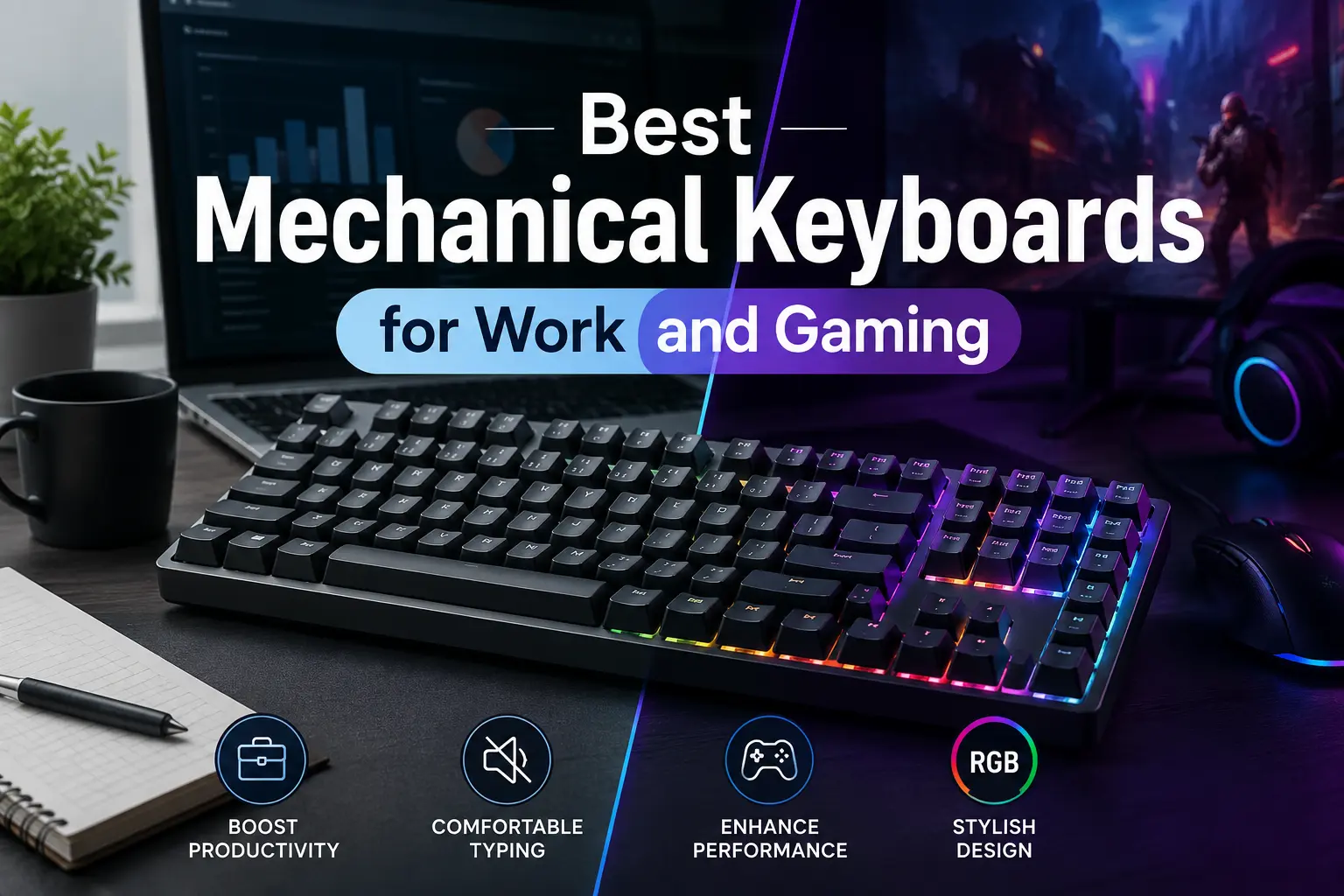
The line separating office productivity tools from competitive gaming peripherals has completely collapsed. Users no longer want to swap hardware when transitioning from updating spreadsheets to entering immersive virtual battlefields. The modern computer desktop requires a hybrid input device capable of delivering clean, quiet, and ergonomic typing cycles by day, alongside rapid polling speeds and customized macro adjustments by night.
Selecting an adaptable deck means understanding how layout configuration, case dampening materials, and circuit structures affect performance across both environments. Prioritizing flexible feature sets ensures your setup thrives during typing sessions and quick-reaction gaming alike.
1. Premier Adaptive Keyboards Dominating the Landscape
The current keyboard manufacturing sector features highly versatile desktop decks engineered explicitly for split-role performance. These models focus heavily on premium acoustic dampening and customizable internal hardware.
-
Asus ROG Strix Scope II 96 Wireless: This layout packs full number-pad functionality into a condensed footprint to maximize workspace efficiency. Pre-lubricated internal switches ensure quiet typing at the office, while triple-mode wireless connectivity guarantees zero latency while gaming.
-
Keychron Q1 Max: Crafted with a heavy, CNC-machined aluminum housing, this option utilizes advanced internal gasket mounts to produce a deep sound profile. It works perfectly across Mac and Windows setups while offering open-source firmware programming for total key remapping.
-
Razer Pro Type Ultra: Styled specifically for sleek office aesthetics, this device features soft-touch keycaps and a cushioned wrist rest. Underneath its subtle exterior sit linear silent switches that handle rapid double-taps during intense gameplay without making a sound.
-
Wobkey Rainy 75 Pro: Championing incredible value, this compact deck relies on precise factory-tuned switch components to deliver a smooth typing experience. Long-lasting wireless storage batteries ensure weeks of productivity without cable clutter.
2. Essential Variables for Dynamic Use Cases
Bridging the gap between corporate productivity and intense gaming requires assessing specific manufacturing standards. Focusing on physical adaptions and connection architecture guarantees that a single piece of hardware meets every daily demand.
To pinpoint a balanced hybrid peripheral, evaluate these specific design fields:
-
Switch Characteristics and Sound Management: Opt for silent tactile or linear factory-lubricated switches to prevent distracting coworkers or microphone channels, while maintaining a clear, distinct activation point.
-
Hot-Swappable Circuit Board Infrastructure: Prioritize boards that let you pull out and swap individual switch components without a soldering iron, making it easy to replace parts or customize your layout later on.
-
Comprehensive Multi-Device Connectivity Options: Choose models featuring simple toggle switches that jump between high-speed 2.4GHz wireless dongles, stable Bluetooth channels, and wired USB-C paths.
-
Web-Based Configuration Tool Ecosystems: Seek out decks using universal web-based adjustment programs rather than heavy, background-running system applications to save system memory and streamline macro programming.
3. Demystifying Magnetic Hall Effect Innovations
The emergence of magnetic Hall Effect switches marks a major evolutionary step for users who split their time between typing and gaming. Instead of relying on traditional moving metal contacts, these specialized switches track physical depth using precise magnetic sensors.
This design enables adjustable actuation, letting you configure a deep, deliberate press depth during your workday to minimize typos, then switch to a hair-trigger profile for instantaneous inputs during evening gaming. This flexibility provides an undeniable edge, effectively giving you two distinct keyboard profiles within a single, durable chassis.
Conclusion
Finding the perfect balance between professional typing comfort and responsive gaming performance no longer requires buying separate setups. Investing in a hot-swappable, acoustically optimized mechanical keyboard ensures your desktop remains highly functional, quiet, and ready for whatever task comes next.
Frequently Asked Questions
What is the difference between linear, tactile, and clicky switches?
Linear switches move straight down smoothly without any sudden resistance, making them ideal for silent office work and fast gaming. Tactile models feature a slight physical bump halfway down to confirm your keystroke, while clicky versions add a sharp acoustic noise that can easily disrupt quiet work spaces.
How does internal gasket mounting affect daily typing fatigue?
Gasket setups suspend the internal switch plate within flexible rubber dampeners rather than screwing it directly into a rigid plastic or metal case. This creates a subtle physical cushion that absorbs finger impact, noticeably reducing hand fatigue during long typing sessions.
Why are PBT keycaps preferred over standard ABS options?
Polybutylene Terephthalate, or PBT, features a dense polymer compound that resists wear, keeping its textured matte finish over years of heavy use. Standard ABS plastic keycaps wear down quickly, developing a slick, shiny appearance from skin oils.
Can a wireless mechanical keyboard match the speed of a wired connection?
Yes, modern proprietary 2.4GHz wireless USB dongles deliver true 1,000Hz polling cycles that equal standard wired response times. However, standard Bluetooth connections should be reserved for office tasks, as they introduce small amounts of lag during fast gaming.
What are the layout advantages of a 75 percent or Tenkeyless form factor?
These condensed designs remove the right-hand number pad to save valuable desk real estate. This allows you to position your mouse closer to your natural center of mass, reducing shoulder strain while freeing up space for sweeping gaming gestures.